
Thinking in Components: The ReactJS Concepts That Power Modern Web Apps
A practical guide to the core ideas that help you become a confident React developer.
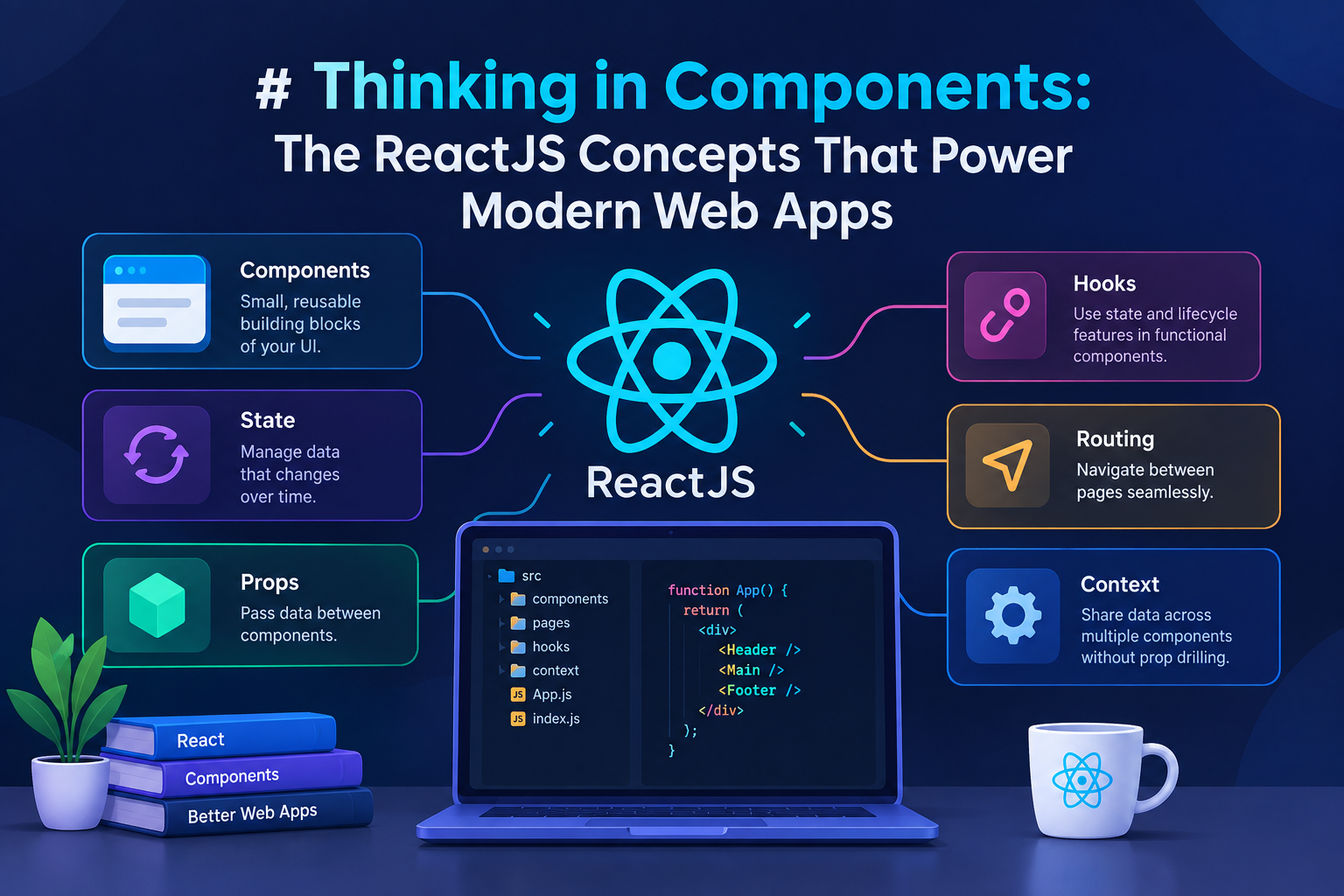
Why is ReactJS essential for developers?
React is one of the most popular JavaScript libraries for building user interfaces. It is maintained by Meta and a large open-source community. Here’s why almost every frontend developer needs to learn it:
Component-based architecture: You break the interface into small, reusable pieces instead of writing one large page. This keeps the code organized, testable, and easy to maintain.
Declarative syntax: You simply describe how the UI should look for a given state. React figures out the most efficient way to update the page.
Virtual DOM: React first calculates the changes in memory and then updates only the necessary parts of the real page. This makes applications fast.
Huge ecosystem and job market: Major apps like Facebook, Instagram, Netflix, and Airbnb use React. It is one of the most in-demand skills for frontend developers.
Learn once, write anywhere: The same concepts work with React Native, so you can also build mobile apps.
Whether you are building a dashboard, a SaaS product, or a startup MVP, React gives you a solid and scalable foundation.
JSX and Functional Components
JSX is a special syntax that lets you write HTML-like code inside JavaScript. Browsers do not understand JSX, so React converts it into normal JavaScript function calls.
A functional component is simply a regular JavaScript function that returns JSX. Modern React is built almost entirely on functional components. You write a function, it returns the UI, and React takes care of the rest. No classes are required.
Props
Props are how data flows from a parent component to a child component.
Props are read-only. A component can use the values it receives, but it must never change them. Data always flows in one direction — from parent to child.
This makes components reusable. The same component can display different information simply by receiving different props. If two sibling components need the same data, their common parent should hold that data and pass it down.
State
While props come from outside, state is data that a component owns and manages itself. When the state changes, React automatically re-renders the component so the UI stays up to date.
We create state using the useState hook. It gives us the current value and a setter function.
Important rules:
Never change the state value directly. Always use the setter function.
If the new state depends on the previous state, use the functional form of the setter.
State updates are asynchronous and batched. Do not expect the value to change immediately on the next line.
Keep state as local as possible. Only move it higher when multiple components need the same data.
Event Handling
React uses camelCase names for events (onClick, onChange, onSubmit, etc.).
React provides a synthetic event object that works the same way across all browsers.
Always pass the function itself, not the result of calling the function. If you need to pass arguments, wrap the call in an arrow function. Use preventDefault() when you want to stop the browser’s default behavior (for example, form submission).
Conditional Rendering
React makes it easy to show or hide parts of the UI based on conditions. There are three common patterns:
Logical AND → Show something only when the condition is true.
Ternary operator → Choose between two different UIs.
Early return → If a condition is not met, exit the component early.
For complex conditions, it is better to extract the JSX into variables or smaller components instead of writing deeply nested logic.
Listing and Keys
When you render a list of items, React needs a way to identify each item when the list changes. That is the purpose of the key prop.
Rules for keys:
Keys must be unique among siblings.
Keys should remain stable across re-renders.
Never use the array index as a key if the list can be reordered, filtered, or changed — this causes bugs and lost state.
Always prefer a unique ID from your data (such as a database ID).
Good keys allow React to update lists correctly and efficiently.
Lifting the State Up
Sometimes two components need to share the same changing data. Because data in React only flows downward (parent to child), the solution is to move that state to their closest common parent. This is called lifting state up.
The parent becomes the single source of truth. It passes the data down as props and also passes functions so the children can request updates. This keeps all components in sync.
Handling Component Lifecycle (useEffect)
Side effects such as fetching data, setting timers, or adding event listeners are handled with the useEffect hook.
The dependency array controls when the effect runs:
Empty array → runs only once after the first render.
Array with values → runs after the first render and whenever those values change.
No array → runs after every render (usually not recommended).
Always return a cleanup function to remove timers, subscriptions, or listeners so you do not create memory leaks.
Error Boundaries
By default, if any component throws an error while rendering, the entire React application crashes and the user sees a blank screen.
Error boundaries are special components that catch errors in their child tree and display a fallback UI instead.
They still need to be written as class components because React does not yet support them as hooks. They catch errors during rendering and in lifecycle methods, but not inside event handlers or asynchronous code.
You can nest multiple error boundaries so that a crash in one small part of the page does not take down the whole application.
Portals
Normally a child component renders inside its parent in the DOM.
For things like modals, tooltips, and notifications, this creates CSS problems (overflow hidden, z-index issues, etc.).
Portals allow you to render a component’s output into a completely different place in the DOM (usually directly under the body tag), while still keeping all React features such as events, context, and state working normally.
Conclusion
React’s power comes from a handful of simple, composable ideas: components for structure, props for data flow, state for interactivity, and hooks for lifecycle and side effects. Master the essentials covered here — JSX, props, state, events, conditional rendering, lists and keys, lifting state, effects, error boundaries, and portals — and you’ll be able to build (and understand) virtually any React application.
