Understanding and Fixing Dependency Conflicts in Flutter Projects
Dependency conflicts are a common issue in Flutter projects and often occur when packages require incompatible versions of the same dependency. Learn how to identify the root cause and resolve dependency conflicts effectively.
Introduction
Flutter offers a rich ecosystem of packages that significantly speed up application development. Whether it’s state management, networking, authentication, or UI components, developers often rely on multiple third-party packages to build applications more efficiently. While these packages simplify development, they also introduce their own dependencies, and managing those dependencies can sometimes become challenging.
One of the most frustrating situations developers encounter is a dependency conflict. These conflicts usually appear after adding a new package, upgrading Flutter, updating existing dependencies, or merging changes from another branch. Instead of successfully downloading packages, Flutter displays version solving errors that prevent the application from building.
Many developers immediately begin changing package versions randomly until the error disappears. Although this approach occasionally works, it often introduces new compatibility problems or forces the project to use outdated packages. Understanding why dependency conflicts occur is a much more reliable approach than experimenting with different versions.
During development, we encountered dependency conflicts in various Flutter projects involving networking libraries, Firebase packages, state management solutions, and UI components. In nearly every case, identifying which package introduced the incompatible dependency helped resolve the issue much faster than modifying the entire project configuration.
In this article, we’ll understand what dependency conflicts are, why they occur, and the practical techniques that help resolve them while keeping Flutter projects stable and maintainable.
Understanding How Flutter Manages Dependencies
Flutter uses the pub package manager to download and manage all project dependencies defined in the pubspec.yaml file. Whenever developers run flutter pub get, Flutter examines every package along with the dependencies required by those packages. It then attempts to find a compatible version for every dependency involved.
This process is known as dependency resolution. If Flutter cannot find a combination of package versions that satisfies every requirement, the dependency resolution fails and the project cannot continue building.
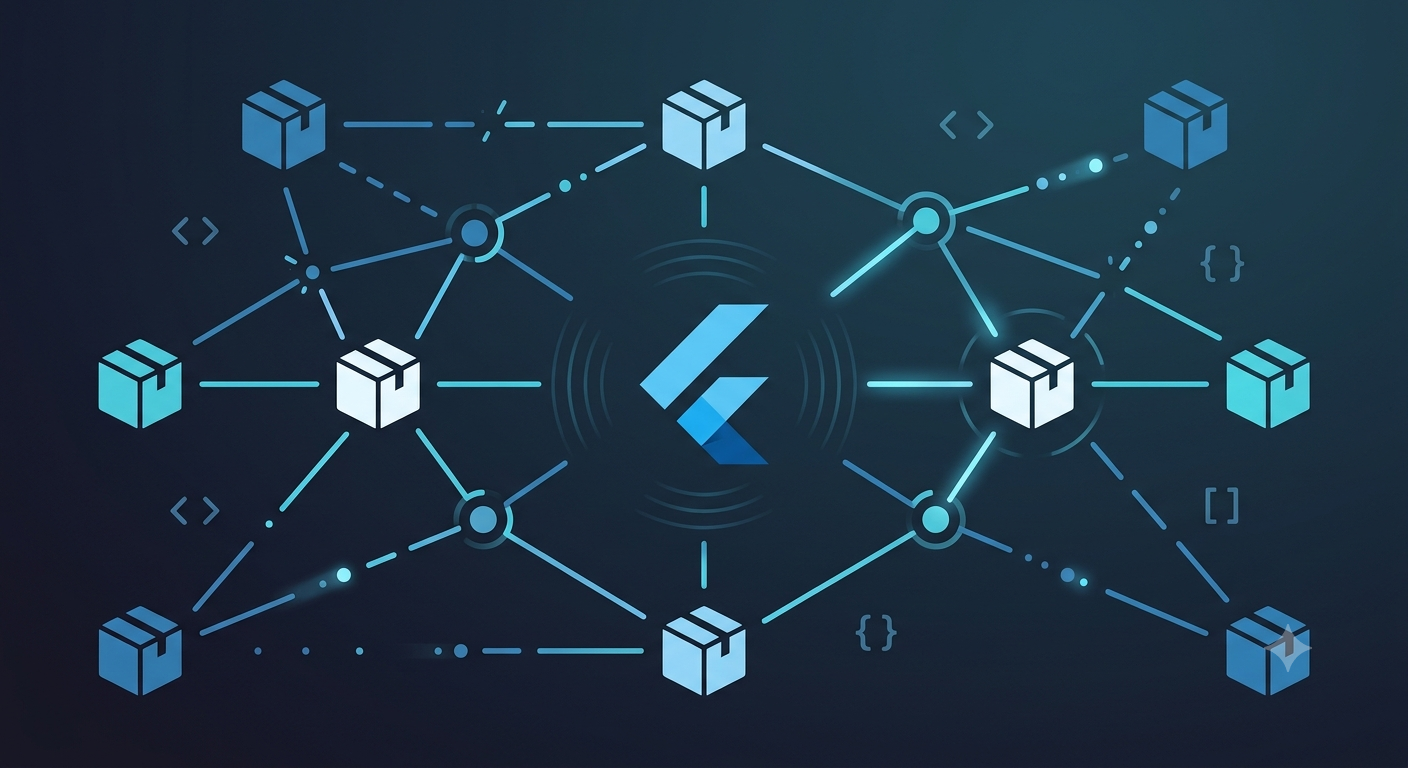
Because each package may depend on several other packages, even adding a single new dependency can affect the entire dependency graph. Understanding this process makes it much easier to interpret dependency errors instead of assuming the package manager itself is malfunctioning.
Version Constraints Often Cause the Conflict
One of the most common reasons behind dependency conflicts is incompatible version constraints. Every Flutter package specifies which versions of other packages it supports. When two packages require different versions of the same dependency that cannot coexist, Flutter reports a version solving failure.
For example, one package may require version 3.x of a library while another depends only on version 2.x. Since both versions cannot be installed simultaneously, Flutter cannot complete dependency resolution.
Instead of immediately replacing packages, it is usually better to review the package requirements and determine whether newer compatible versions are available. Many dependency conflicts are resolved simply by upgrading packages that now support newer versions of shared dependencies.
Outdated Packages Can Create Compatibility Problems
Flutter continues to evolve rapidly, and package authors regularly update their libraries to support new Flutter releases. Older packages that are no longer maintained may continue depending on outdated libraries, making them incompatible with modern Flutter projects.
This situation often appears after upgrading Flutter. Packages that previously worked together may no longer satisfy the updated dependency requirements, resulting in version conflicts during package resolution.
Whenever possible, actively maintained packages should be preferred because they are more likely to remain compatible with newer Flutter releases and other popular libraries.
Transitive Dependencies Can Introduce Unexpected Issues
Not every dependency listed in a project appears directly inside the pubspec.yaml file. Many packages include additional dependencies internally, known as transitive dependencies.
A project may only include a few packages directly, but those packages can collectively introduce dozens of additional libraries behind the scenes. Sometimes two unrelated packages depend on different versions of the same transitive dependency, creating conflicts that are not immediately obvious.
Because these dependencies are installed automatically, developers often focus on the visible packages while overlooking the libraries that actually cause the version conflict.
Flutter’s dependency resolution output usually identifies these relationships, making it easier to determine which package introduced the incompatible requirement.
Flutter SDK Updates May Affect Dependencies
Each Flutter release introduces improvements, bug fixes, and occasionally changes to supported package versions. While these updates improve the framework, they can also expose compatibility issues in existing projects.
A project that built successfully using an older Flutter version may suddenly display dependency conflicts after upgrading because certain packages have not yet been updated to support the latest SDK.
Before assuming a package is broken, it is helpful to verify whether newer package versions have been released that support the current Flutter version. In many cases, updating dependencies resolves the issue without requiring changes to application code.
Dependency Overrides Should Be Used Carefully
Flutter provides dependency_overrides as a way to force a specific package version when dependency resolution fails. While this feature can temporarily resolve certain conflicts, it should be used with caution.
Overriding package versions does not guarantee compatibility. If a package depends on features available only in a particular version of another library, forcing an incompatible version may introduce runtime errors or unexpected application behavior.
Dependency overrides are generally most appropriate for temporary testing or while waiting for package maintainers to release official updates rather than as permanent solutions.
Reading Version Solving Errors Carefully
One common mistake developers make is reading only the final line of the dependency error. Flutter’s package resolver usually provides detailed information explaining exactly which packages require conflicting versions.
The error output often lists every dependency involved in the conflict and clearly shows why Flutter cannot select compatible versions. Although these messages may initially appear lengthy, they usually contain all the information needed to identify the root cause.
Carefully reading the dependency resolution output often saves significantly more time than repeatedly modifying package versions without understanding the underlying issue.
Keeping Dependencies Well Maintained
As Flutter projects grow, dependency management becomes increasingly important. Regularly reviewing package updates, removing unused dependencies, and avoiding unnecessary packages helps reduce the likelihood of future conflicts.
Projects with fewer dependencies are generally easier to maintain because they contain a smaller dependency graph with fewer opportunities for version incompatibilities.
Maintaining consistent package versions across development teams also helps ensure that projects build reliably on different machines without unexpected dependency resolution issues.
Conclusion
Dependency conflicts are a normal part of Flutter development, particularly in projects that rely on numerous third-party packages. Although version solving errors may appear complicated, they usually result from incompatible package requirements rather than problems with Flutter itself.
The most effective way to resolve dependency conflicts is to identify which packages require incompatible versions, review their supported releases, and update dependencies thoughtfully instead of making random version changes. Understanding how Flutter resolves dependencies, recognizing version constraints, and carefully reading dependency resolution errors can significantly reduce debugging time.
As the Flutter ecosystem continues to grow, package compatibility will remain an important part of application maintenance. Keeping dependencies updated, choosing actively maintained libraries, and understanding the dependency resolution process helps ensure Flutter projects remain stable, compatible, and easier to maintain over time.