Understanding and Fixing JSON Parsing Errors in Flutter Projects
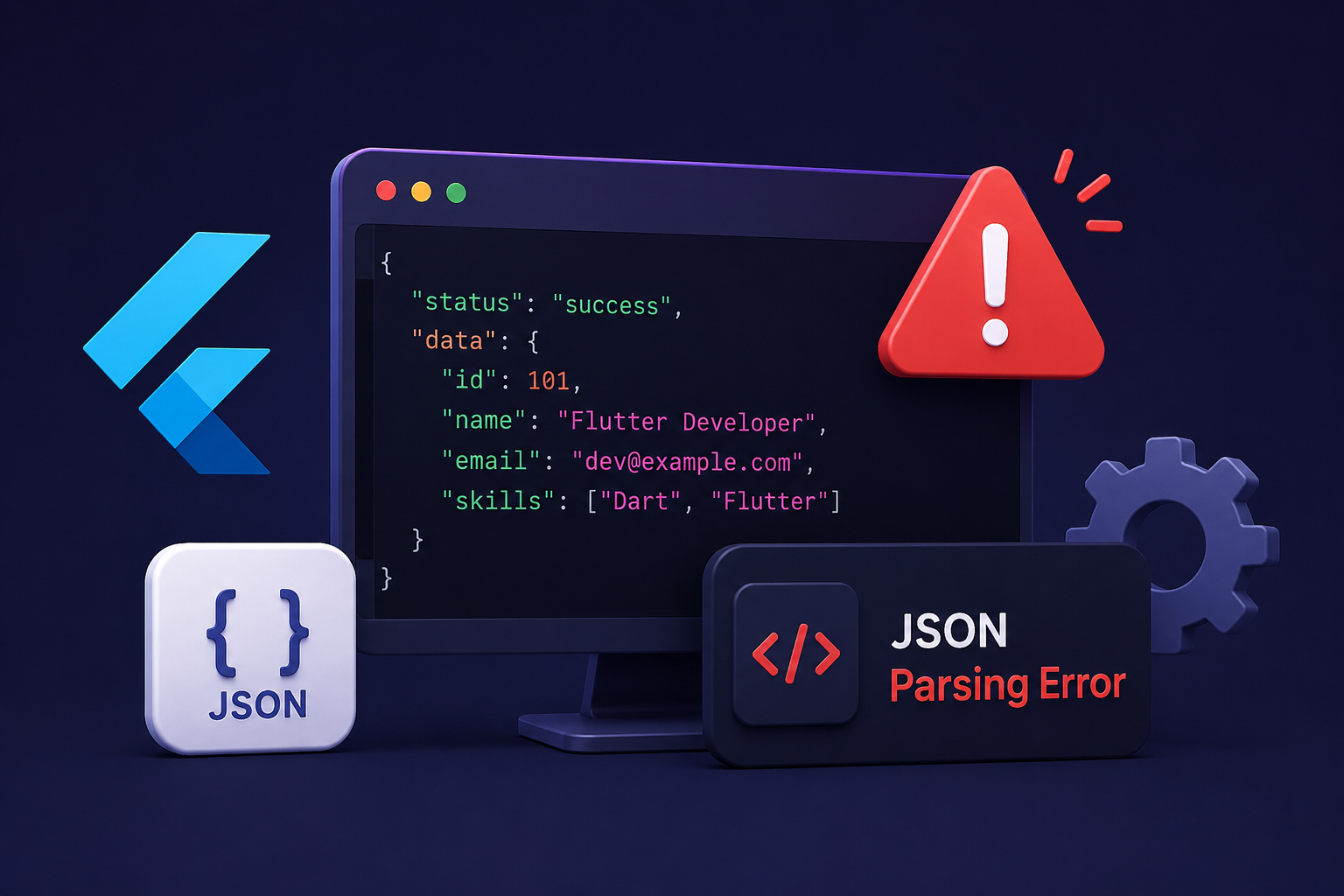
JSON parsing errors occur when a Flutter app’s expected JSON structure doesn’t match the API response. Learn the common causes, how to identify the issue, and practical solutions to fix parsing errors efficiently.
Introduction
Modern Flutter applications frequently communicate with REST APIs to fetch user information, product lists, authentication details, notifications, and various other types of data. Almost every API exchanges information in JSON format because it is lightweight, structured, and supported across multiple platforms.
Although working with JSON is straightforward in most cases, developers often encounter parsing errors when converting API responses into Dart model classes. These errors typically appear when the response structure changes, contains unexpected values, or does not match the model generated for the application.
Many developers initially assume that the API itself is broken and begin modifying their model classes without fully understanding the actual response. While this approach may occasionally resolve the issue, it often creates additional problems throughout the application. Understanding why JSON parsing errors occur is much more effective than making random changes to the model structure.
During development, we encountered JSON parsing errors in several Flutter projects involving authentication, e-commerce, payment gateways, and content management systems. In most situations, carefully comparing the API response with the corresponding model class helped identify the root cause much faster than repeatedly changing field types or regenerating model files.
In this article, we’ll understand what JSON parsing errors are, why they occur, and the practical techniques that help resolve them while keeping Flutter applications stable and maintainable.
Understanding How Flutter Parses JSON
Flutter receives API responses as JSON strings that must be converted into Dart objects before the data can be used inside the application. Developers typically create model classes containing factory constructors or fromJson methods that map JSON values into Dart variables.
This conversion process is known as JSON parsing. Flutter expects every field in the response to match the data type and structure defined in the model. If the received data differs from those expectations, parsing fails and the application throws a runtime exception.
Understanding how this conversion works makes it much easier to identify parsing issues instead of assuming that the networking library is causing the problem.
Incorrect Data Types Often Cause Parsing Errors
One of the most common reasons behind JSON parsing errors is a mismatch between the expected and actual data types. A model may expect an integer while the API returns a string, or a boolean field may unexpectedly contain a numeric value.
Since Dart enforces data types during object creation, even a single mismatched field can prevent the entire JSON object from being parsed successfully.
Instead of immediately modifying every model field, it is usually better to inspect the API response carefully and determine whether the backend response or the model definition needs to be updated.
Missing or Null Values Can Break Parsing
APIs do not always return every field in every response. Some fields may be optional, while others may return null depending on business logic.
If the model assumes that a value will always exist but the API returns null or omits the field entirely, Flutter may throw a parsing exception during object creation.
Designing model classes to safely handle optional values makes applications significantly more reliable when working with real-world APIs.
Changes in API Response Structure
Backend APIs often evolve as new features are introduced. A response that previously returned a single object may later return a list, or nested objects may be added without corresponding updates in the Flutter application.
When the application continues using an older model while the backend response has changed, JSON parsing errors become inevitable because the expected structure no longer matches the actual response.
Whenever parsing issues suddenly appear after backend updates, comparing the latest API response with the existing model is usually the fastest way to identify the problem.
Nested JSON Objects Require Proper Models
Many APIs contain nested objects and arrays representing relationships between different pieces of data. Each nested object requires its own Dart model to ensure that the entire response can be parsed correctly.
If nested models are incomplete or incorrectly mapped, Flutter may successfully parse the outer object while failing when processing inner objects.
Creating dedicated model classes for every nested JSON structure helps keep parsing logic organized and easier to maintain.
Lists and Objects Should Not Be Confused
A frequent parsing mistake occurs when developers expect a JSON object but the API returns a list, or vice versa. Since lists and objects have different structures, Flutter cannot automatically convert one into the other.
This situation commonly appears after backend modifications or when different API endpoints return similar data in different formats.
Verifying whether the response begins with an object or an array before writing the parsing logic helps prevent these runtime exceptions.
Generated Model Classes Must Match the Response
Many Flutter developers use code generation tools to create model classes automatically. While these tools save development time, they are only as accurate as the JSON sample provided during generation.
If the sample response does not represent every possible API response, generated models may contain incorrect field types or miss optional properties, eventually leading to parsing errors.
Reviewing generated models instead of assuming they are always correct helps avoid unexpected runtime issues.
Reading Parsing Exceptions Carefully
One common mistake developers make is ignoring the complete parsing exception and focusing only on the application crash. Flutter’s error messages often indicate exactly which field, value, or data type caused the parsing failure.
The stack trace usually provides enough information to determine whether the issue originates from the API response, the model class, or the conversion logic itself.
Carefully analyzing the exception often saves significantly more time than repeatedly modifying model classes without understanding the underlying cause.
Keeping Models Updated with Backend Changes
As Flutter applications continue to grow, backend APIs frequently evolve to support additional features and business requirements. Regularly reviewing API documentation and updating model classes whenever response structures change helps prevent future parsing problems.
Maintaining synchronization between backend responses and Flutter models ensures that new features can be integrated smoothly without introducing unnecessary runtime exceptions.
Well-maintained models also improve code readability and make future application updates much easier for development teams.
Conclusion
JSON parsing errors are a normal part of Flutter development, particularly in applications that communicate extensively with REST APIs. Although these runtime exceptions may initially appear complicated, they usually result from differences between the expected model structure and the actual JSON response rather than problems with Flutter itself.
The most effective way to resolve JSON parsing errors is to carefully inspect the API response, verify data types, review model classes, and ensure that nested objects, optional fields, and lists are handled correctly. Understanding how Flutter converts JSON into Dart objects and keeping models synchronized with backend changes can significantly reduce debugging time.
As applications continue to evolve, accurate model definitions and consistent API responses remain essential for building stable, maintainable, and reliable Flutter projects that handle JSON data efficiently.