
Understanding and Fixing LateInitializationError in Flutter Projects
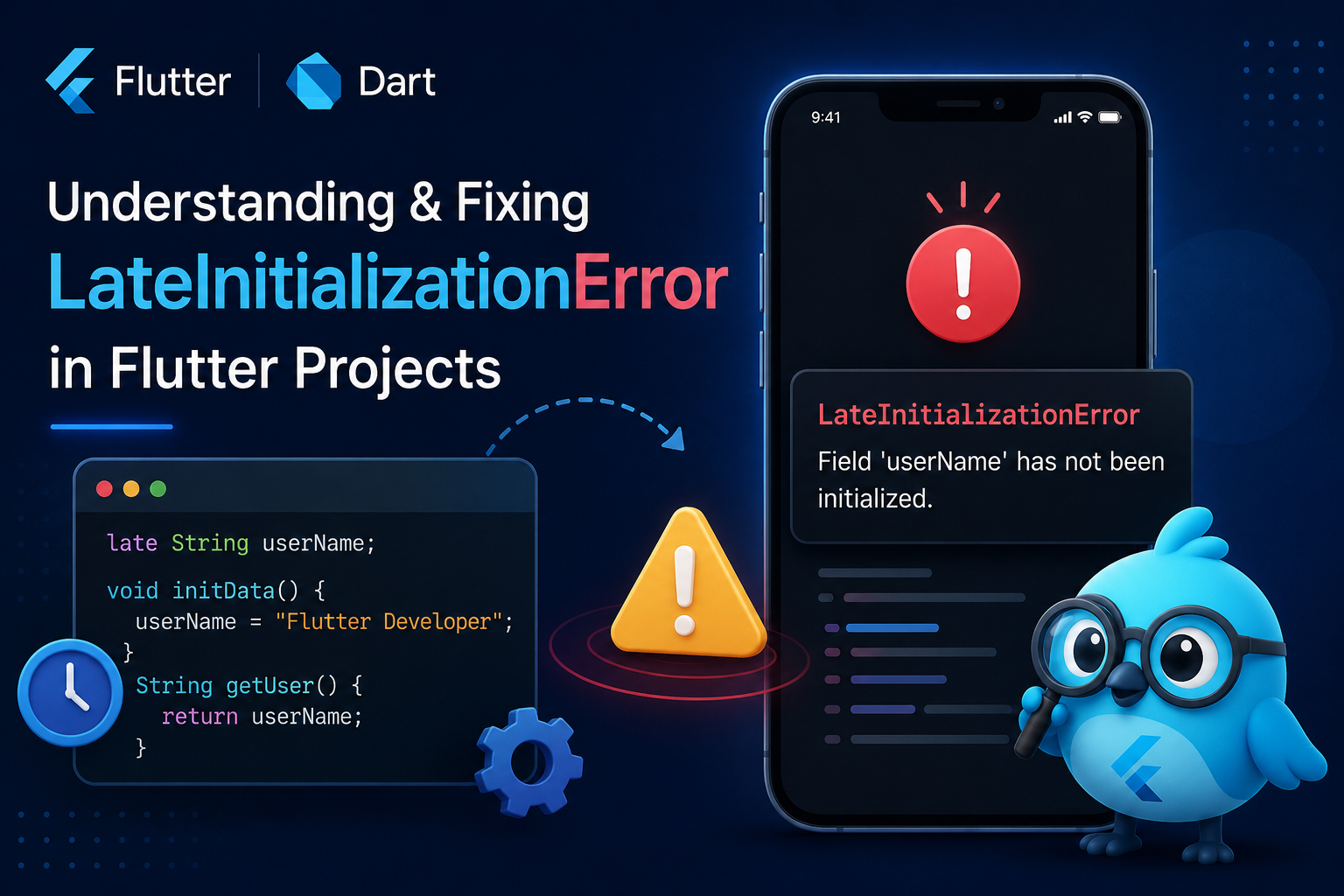
LateInitializationError is a common Flutter runtime exception that occurs when a variable declared with the late keyword is accessed before being initialized. Learn the causes of this error, how to identify it quickly, and the best practices to prevent it in Flutter applications.
Introduction
Flutter provides several ways to initialize variables, and one of the most useful features introduced in Dart is the late keyword. It allows developers to postpone variable initialization until a value becomes available, making it especially useful when working with asynchronous operations, dependency injection, controllers, and data that cannot be created immediately.
While the late keyword offers flexibility, it also introduces responsibility. If a late variable is accessed before a value has been assigned, Flutter throws a LateInitializationError at runtime. Unlike compile-time errors, this exception only appears when the affected code is executed, making it difficult to detect during development if certain execution paths are not tested.
Many developers first encounter this error while working with API responses, GetX controllers, TextEditingController instances, AnimationController objects, or variables that are initialized inside initState(). Since the application compiles successfully, the issue often becomes visible only after navigating to a particular screen or performing a specific user action.
During development, we encountered this error in several Flutter applications where data loading depended on asynchronous operations. In most cases, the problem was not with the late keyword itself but with the order in which variables were initialized and accessed. Understanding when a variable receives its value made resolving the issue much faster than repeatedly modifying unrelated parts of the code.
In this article, we’ll understand what causes LateInitializationError, why it happens in Flutter projects, and the practical approaches that help eliminate it while keeping applications reliable and easier to maintain.
Understanding the Late Keyword in Dart
The late keyword tells Dart that a non-nullable variable will receive its value sometime after it has been declared. Instead of requiring an immediate assignment, Dart allows the variable to remain uninitialized until the developer explicitly assigns a value.
This approach is useful when the value depends on application lifecycle events, asynchronous operations, or objects that are created after the widget has been constructed. However, Dart expects the variable to be initialized before it is ever accessed. If that expectation is not met, the application throws a LateInitializationError during execution.
Because the compiler assumes the developer will initialize the variable correctly, it cannot detect this issue during compilation.
Accessing the Variable Before Initialization
The most common reason for LateInitializationError is accessing a variable before assigning it a value. This frequently happens when widgets attempt to display data before an API request completes or before initialization code inside initState() has finished executing.
Although the initialization code may exist, the application sometimes reaches the point where the variable is used earlier than expected. Since the variable still has no value, Flutter immediately throws the exception.
Ensuring that initialization always completes before the variable is accessed is one of the most effective ways to prevent this error.
Asynchronous Operations Can Delay Initialization
Many Flutter applications load data from remote APIs, local databases, or shared preferences. These operations execute asynchronously and may take some time before returning a result.
If a late variable depends on one of these operations and the UI tries to use it before the asynchronous task finishes, the variable remains uninitialized, leading to a LateInitializationError.
This situation commonly appears when building screens immediately after starting an API request without waiting for the required data to become available.
Initialization Inside initState Requires Proper Timing
Developers often initialize controllers, services, and other objects inside the initState() method. While this is generally the correct place for initialization, problems occur when the variable depends on values that are not yet available or when initialization happens conditionally.
If a particular condition prevents the assignment from occurring, the late variable remains uninitialized even though the widget lifecycle continues normally. Eventually, when the variable is accessed, Flutter throws the runtime exception.
Reviewing every possible execution path inside initState() helps ensure that initialization always occurs before the variable is used.
Conditional Initialization Can Introduce Problems
Sometimes a variable is assigned only when certain conditions are satisfied. If those conditions are not met, the variable never receives a value.
This situation often occurs when handling optional API responses, feature flags, user permissions, or navigation arguments. Developers may assume the initialization code always runs, but under certain circumstances it may be skipped entirely.
Making sure every possible execution path assigns a value or safely handles the missing data significantly reduces the chance of encountering this error.
Dependency Injection May Delay Object Creation
Applications using dependency injection or state management libraries such as GetX, Provider, or Riverpod sometimes initialize objects only after specific services become available.
If a widget attempts to access a late variable before the dependency has been registered or created, Flutter throws a LateInitializationError because the expected object does not yet exist.
Ensuring that dependencies are properly initialized before navigating to screens that depend on them helps avoid these runtime issues.
Using Nullable Variables When Appropriate
Not every variable requires the late keyword. In situations where a value may genuinely be unavailable during part of the widget lifecycle, using a nullable variable is often a safer approach.
Nullable variables allow the application to check whether a value exists before attempting to use it. This provides developers with an opportunity to display loading indicators, placeholder content, or alternative UI while waiting for the required data.
Choosing between late and nullable variables based on the actual application flow results in more predictable and maintainable code.
Carefully Reading the Error Message
Flutter’s LateInitializationError usually includes the exact variable that caused the exception. This information makes debugging much easier because developers immediately know which variable was accessed before initialization.
Instead of investigating unrelated code, reviewing the stack trace and identifying where the variable was first accessed often leads directly to the root cause. Understanding the sequence of initialization and usage generally resolves the issue much faster than making random code changes.
Keeping Initialization Logic Predictable
As Flutter applications become larger, variables may be initialized across multiple files, services, and controllers. Keeping initialization logic simple and predictable helps prevent runtime exceptions caused by uninitialized values.
Avoiding unnecessary late variables, initializing objects as early as possible, and ensuring asynchronous operations complete before dependent widgets are built all contribute to more stable applications.
Well-structured initialization logic also makes future maintenance easier because developers can quickly understand where and when important objects receive their values.
Conclusion
LateInitializationError is a common runtime exception in Flutter, but it is usually the result of a variable being accessed before it has been properly initialized rather than a problem with the Flutter framework itself. The late keyword is a powerful feature when used correctly, but it requires developers to guarantee that every variable receives a value before it is used.
Understanding how initialization works, paying attention to asynchronous operations, reviewing conditional execution paths, and carefully reading the runtime error message can significantly reduce debugging time. By designing predictable initialization flows and choosing the appropriate variable type for each situation, Flutter developers can build applications that are more reliable, easier to maintain, and far less likely to encounter LateInitializationError during runtime.