
Technology Beginner’s Guide to Git Deployment for Web Applications
Git has changed how developers build, manage and deploy websites. Rather than uploading files to a server manually each time a change occurs, developers are able to use Git to track code and push updates through a structured deployment process.
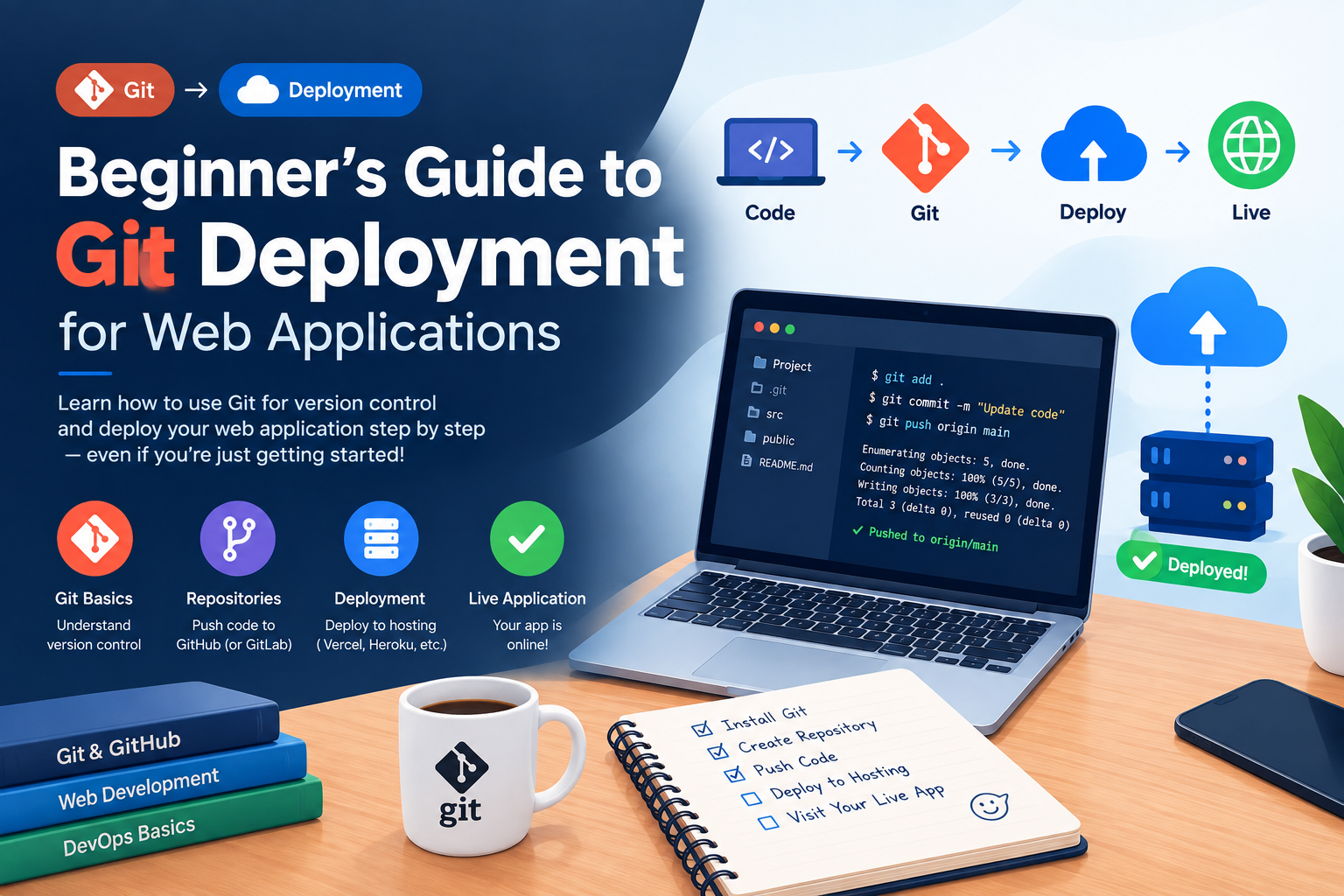
What Is Git Deployment?
Git Deployment is the act of using a Git repository as part of your website or application deployment process.
You have your code in a repository such as GitHub or GitLab. When you are ready to publish changes you can pull those changes or deploy them automatically to your VPS server.
A basic workflow is as follows:
Write code → Commit changes → Push to Git → Deploy to server → Test the application
It also gives developers a history of past changes , making it easier to identify or roll back bad updates .
Create a Git Repository
Create your project with git init.
For a local project, you can begin with initializing git:
git init
git add .
git commit -m “Initial commit”
Then you can link your local repo to GitHub or GitLab and push your code.
Never commit sensitive files like passwords, api key, environment configuration to the repo. You are able to create a .gitignore file to not accidentally commit them .
Set Up SSH Authentication
With SSH you can securely log into your VPS and work with your Git repositories without having to retype your passwords over and over again.
Then, create an SSH key on your local machine and add the public key to your Git hosting account.
Clone the repository on the Vps using SSH:
git clone git@github.com:username/project.git
Using SSH keys also works well with automated deployment systems.
Deploy a PHP Website
PHP websites are relatively simple to deploy with Git.
First, clone your repository on the VPS:
git clone git@github.com:username/php-project.git
Move into the project directory and pull updates when required:
cd php-project
git pull origin main
Make sure your web server points to the correct project directory. If your application requires Composer, install its dependencies after deployment:
composer install –no-dev –optimize-autoloader
Always test the website after pulling new changes. For a detailed step-by-step guide, see our Beginner’s Guide to Git Deployment for Web Applications
Deploy a Laravel Application
aravel deployments usually require a few additional steps.
After pulling the latest code, install dependencies and prepare the application:
composer install –no-dev –optimize-autoloader
php artisan migrate –force
php artisan config:cache
php artisan route:cache
Your .env file should remain on the server and should not be committed to Git.
If your application uses queues, scheduled tasks, or other background services, make sure those services are restarted or refreshed after deployment when necessary.
Deploy a Node.js Application
Node.js applications need their dependencies installed before they can run.
After pulling your latest code:
git pull origin main
npm install
For production environments, you can use:
npm install –production
Build the application if your project requires it:
npm run build
A process manager such as PM2 can help keep a Node.js application running and restart it when necessary.
Deploy a Static Website
Static websites are even easier to deploy.
Clone the repository on your VPS and configure your web server to serve the project directory.
When you update the website, run:
git pull origin main
The updated HTML, CSS, JavaScript, and image files will then be available through your web server.
Use Git Hooks for Automatic Deployment
You can use git hooks to automate deployment work
For example, a server may have a post-receive hook that runs deployment commands every time new code arrives. It automates manual repetitive processes.”
Common workflow is to pull down latest code, install dependencies, run build commands and restart services as needed.
Never run a deployment script on a production server without thoroughly testing it.
Automate Deployment with GitHub Actions and GitLab CI/CD
Manual deploys are fine for small projects, but as applications grow, automation is helpful.
GitHub Actions are a way to automatically test and deploy your code when you push changes to your branch of choice.
GitLab CI/CD uses pipelines to do a similar job.
An example of an automatic process would be :
Push code → Run tests → Build application → Deploy → Run health checks
Automation ensures that no deployment step is skipped and frees us from repetitive work.
Have a Rollback Strategy
Even a well-established deployment can sometimes have unexpected problems.
Git makes rollback easier, because the older versions are still available in the repository history.
Know what version is running before big production changes. If a deployment creates a problem, you can revert to a known working commit rather than manually recreating the earlier code.
Databases Remember that database migrations are not rolled back with your code automatically. The database changes should have their own rollback/recovery strategy.
Secure Your Git Deployment
Security has to be baked into each and every deployment pipeline.
Do not give out server passwords. Instead, use SSH keys. Keep your private keys safe and don’t push credentials to Git.
minimize ssh access as much as possible, and use separate deployment accounts with the bare minimum permissions.
You should also keep environment files, API credentials, database passwords and private configuration from being exposed via the repository.
Git Deployment Best Practices
A good deployment process is based on good development habits.
Different development and production environments Write good commit messages and do a sanity check over important changes before pushing to prod.
Please test any changes before pushing to prod. If you have multiple developers working on the same project, use branches.
Keep backups, especially of databases and user-generated files. Except for your git workflow. Git tracks code , but it is not a full backup solution for a whole website .
Conclusion
With Git Deployment developers have an actual way to push code from development to production but still keep the version history.
Want to deploy PHP, Laravel, Node.js or a static site? The general approach is the same, put the code into git, authenticate securely, deploy tested changes, monitor the result and have a rollback plan ready.
And as projects grow larger, you can use Git hooks and CI/CD platforms like GitHub Actions or GitLab CI/CD to make deployments faster and repeatable. It’s not about shipping code fast, it’s about having a deployment process that is secure, repeatable and manageable.