Understanding and Fixing CocoaPods Issues in Flutter Projects
CocoaPods issues are common Flutter iOS build problems caused by dependency conflicts, outdated Pods, or incorrect configurations. Learn the causes and practical solutions to resolve them efficiently.
Introduction
Flutter makes it possible to build applications for both Android and iOS using a single codebase. While Android relies on Gradle for dependency management, iOS uses CocoaPods to install and manage native libraries required by Flutter plugins. Every time developers add or update a Flutter package that contains iOS-specific code, CocoaPods is responsible for downloading and integrating the required native dependencies into the Xcode project.
Although CocoaPods works seamlessly in most situations, developers occasionally encounter build failures during pod installation or while compiling the iOS application. These issues often appear after upgrading Flutter, updating plugin versions, changing the macOS or Xcode version, or switching between different development environments.
Many developers immediately begin deleting files or reinstalling packages without understanding what actually caused the failure. While these steps sometimes resolve the problem temporarily, they often hide the underlying issue instead of fixing it permanently. Understanding how CocoaPods manages dependencies makes troubleshooting much easier than relying on trial and error.
During development, we encountered CocoaPods issues in several Flutter projects involving Firebase, Google Maps, payment gateways, camera plugins, and authentication libraries. In most cases, carefully reviewing the pod installation logs and verifying dependency compatibility helped identify the root cause much faster than repeatedly cleaning and rebuilding the project.
In this article, we’ll understand what CocoaPods issues are, why they occur, and the practical techniques that help resolve them while keeping Flutter iOS projects stable and maintainable.
Understanding How CocoaPods Works
CocoaPods is a dependency manager for iOS projects. Whenever developers run Flutter commands such as flutter pub get or flutter run for an iOS application, Flutter uses CocoaPods to install the native libraries required by Flutter plugins.
The Podfile defines how these dependencies should be integrated into the iOS project. CocoaPods then downloads the required libraries, generates the Pods project, and links everything together so the application can build successfully in Xcode.
If any dependency cannot be resolved or installed correctly, CocoaPods reports an error and the build process stops.
Outdated CocoaPods Versions Can Cause Build Problems
One of the most common reasons behind CocoaPods issues is using an outdated version of CocoaPods. As Flutter plugins continue to evolve, newer packages may depend on features that are not supported by older CocoaPods releases.
This situation often appears after upgrading Flutter or adding recently updated plugins. Even though the Flutter project itself is correctly configured, an older CocoaPods installation may prevent dependencies from being installed successfully.
Keeping CocoaPods updated helps ensure compatibility with the latest Flutter plugins and Xcode releases.
Plugin Version Mismatches Can Create Dependency Conflicts
Flutter plugins frequently depend on native iOS libraries managed by CocoaPods. If multiple plugins require incompatible versions of the same native dependency, CocoaPods may fail to resolve the dependency graph.
These conflicts usually appear after adding a new package or updating existing dependencies. Instead of modifying plugin versions randomly, reviewing package compatibility and selecting supported versions generally resolves the issue more effectively.
Maintaining compatible plugin versions helps reduce dependency conflicts during pod installation.
Changes in Xcode May Affect CocoaPods
Every major Xcode release introduces updates to Apple’s development tools, SDKs, and build system. While these improvements support new iOS features, they can also expose compatibility issues in existing Flutter projects.
A project that builds successfully using one version of Xcode may begin displaying CocoaPods errors after upgrading because certain plugins or pods have not yet been updated to support the latest development environment.
Before assuming the project is broken, it is helpful to verify whether newer plugin releases support the installed Xcode version.
Corrupted Pod Installation Can Lead to Build Failures
Sometimes CocoaPods downloads incomplete or outdated dependency files due to interrupted installations or cached packages. These corrupted files may prevent successful project compilation even when the project configuration itself is correct.
Developers often notice this problem after switching Git branches, restoring older projects, or updating dependencies.
Refreshing the pod installation and allowing CocoaPods to regenerate its dependency files usually resolves these inconsistencies.
Podfile Configuration Must Match Project Requirements
The Podfile controls important iOS project settings such as platform version, build configuration, and plugin integration. Incorrect configuration inside this file can cause CocoaPods to fail before dependencies are even installed.
As Flutter plugins introduce new requirements, the Podfile may also need adjustments to remain compatible with newer iOS versions and plugin capabilities.
Reviewing the Podfile whenever dependency installation fails helps ensure that project settings match current Flutter recommendations.
Network Problems May Interrupt Dependency Downloads
CocoaPods downloads native libraries from remote repositories during installation. If the internet connection is unstable or repository access is temporarily unavailable, dependency installation may fail unexpectedly.
Although these errors may resemble configuration problems, the underlying cause is sometimes simply an interrupted download or unavailable package repository.
Verifying network connectivity before investigating project configuration can save considerable debugging time.
Reading CocoaPods Logs Carefully
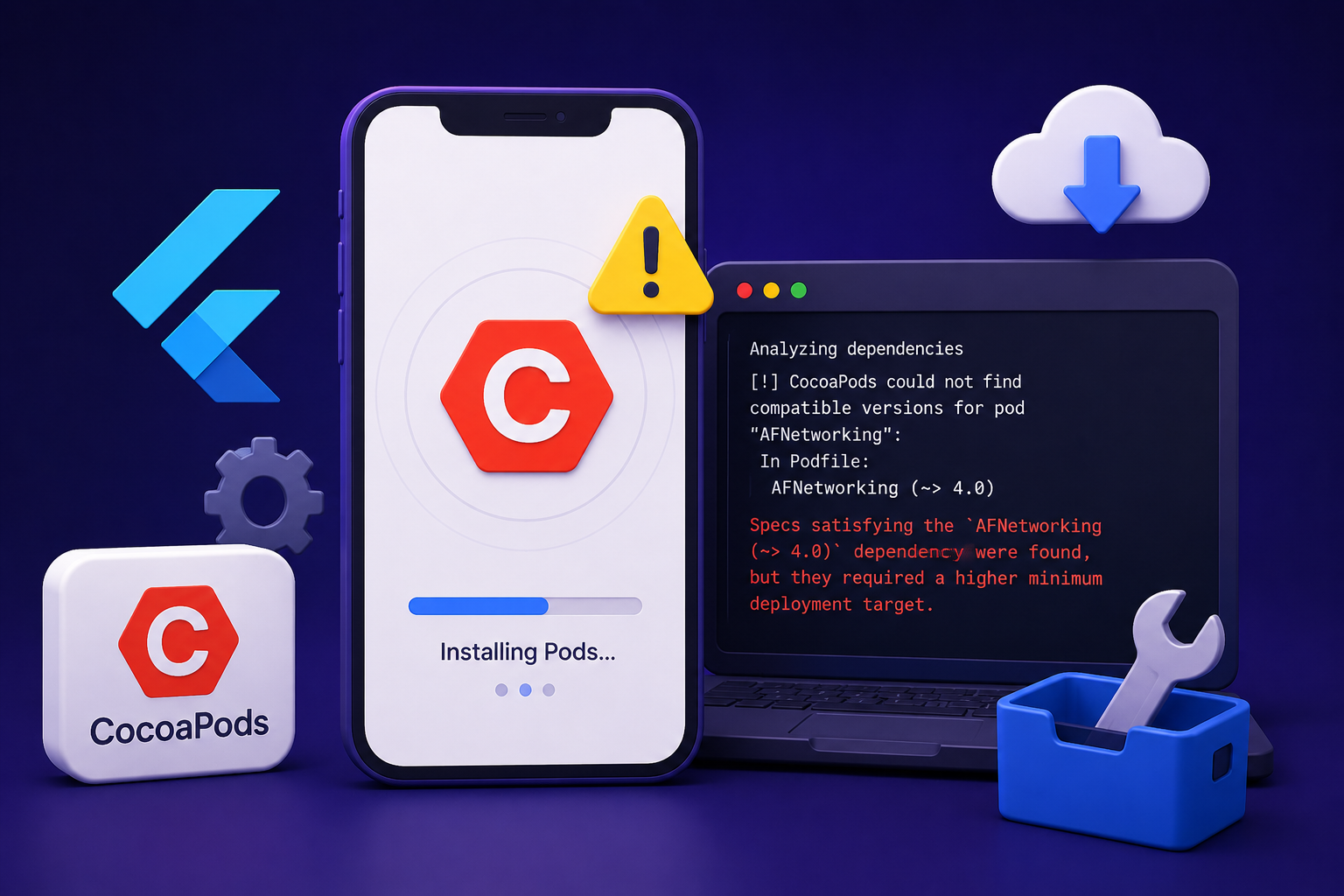
One common mistake developers make is focusing only on the final build failure instead of reviewing the CocoaPods installation logs. The terminal output often identifies exactly which dependency, plugin, or configuration caused the installation to fail.
These logs usually contain detailed information about version conflicts, missing libraries, unsupported platforms, or repository issues.
Carefully analyzing the installation output often provides enough information to identify the root cause without making unnecessary project modifications.
Keeping Flutter, Plugins, and CocoaPods Updated
As Flutter continues to evolve, maintaining compatibility between Flutter, Xcode, CocoaPods, and third-party plugins becomes increasingly important. Regularly updating development tools and reviewing plugin compatibility helps reduce unexpected build failures.
Projects with well-maintained dependencies are generally easier to build across different machines because every component remains compatible with the latest development environment.
Consistent dependency management also simplifies future upgrades and minimizes time spent resolving iOS-specific build issues.
Conclusion
CocoaPods issues are a normal part of Flutter iOS development, particularly in projects that rely on multiple native plugins. Although these build failures may initially appear complicated, they usually result from dependency conflicts, outdated tools, incorrect project configuration, or compatibility issues rather than problems with Flutter itself.
The most effective way to resolve CocoaPods issues is to carefully review installation logs, verify plugin compatibility, keep CocoaPods and Xcode updated, and maintain a clean dependency configuration. Understanding how CocoaPods manages native iOS libraries and staying current with Flutter ecosystem updates can significantly reduce debugging time.
As Flutter applications continue to grow, proper dependency management and regular maintenance remain essential for building stable, reliable, and maintainable iOS applications without recurring CocoaPods issues.