
WordPress Blog Growth Setup: The Ultimate 2026 Guide
You’ve launched your WordPress blog. You’re publishing content. But crickets. No traffic. No subscribers. No engagement.
Introduction: Why Your Blog Isn't Growing (And How to Fix It)
You’ve launched your WordPress blog. You’re publishing content. But crickets. No traffic. No subscribers. No engagement.
Here’s the hard truth: Publishing alone doesn’t equal growth.
You need a system—a proven framework that turns your blog from an invisible diary into a traffic-generating, lead-capturing, money-making machine.
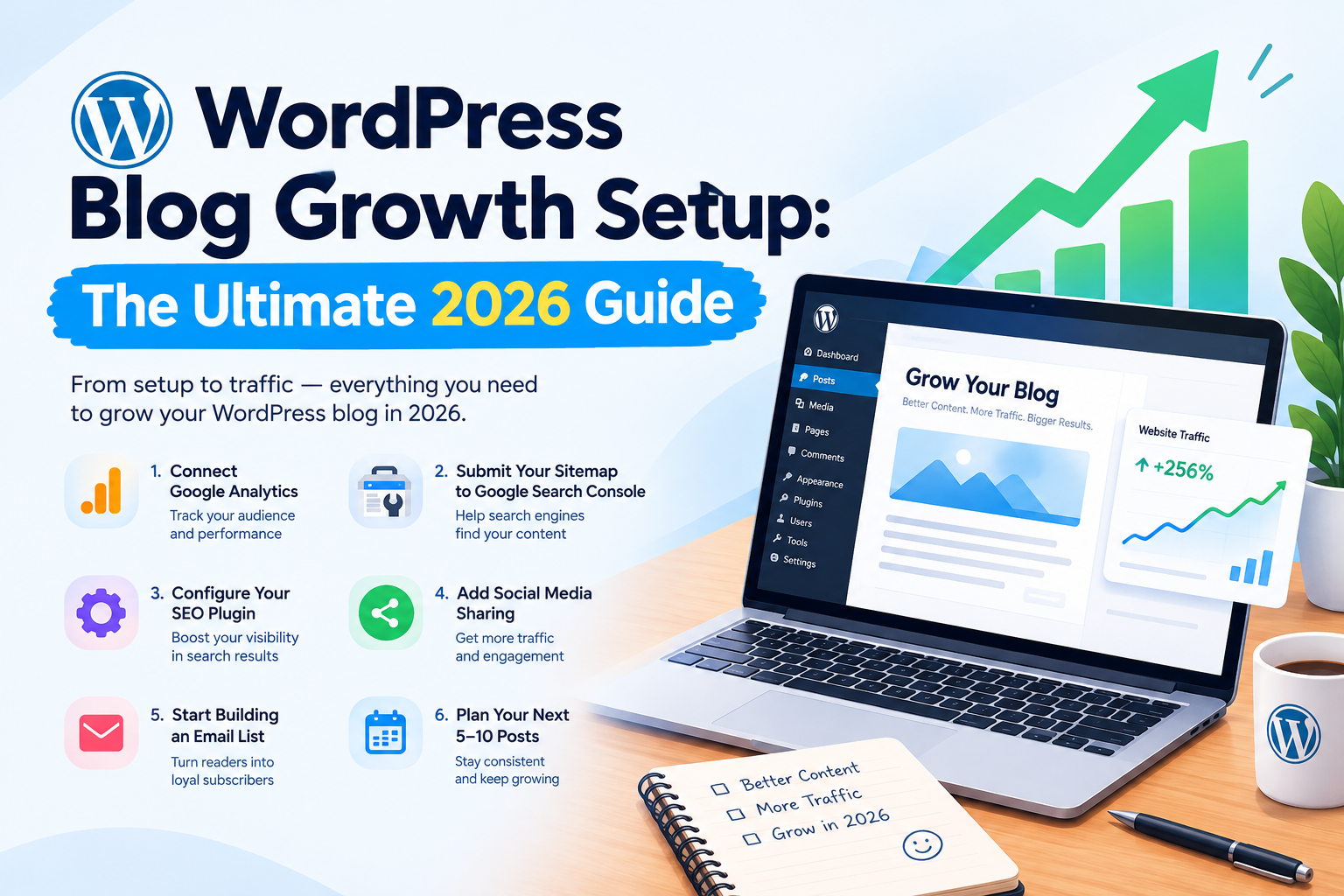
This guide covers the 6 essential steps every successful WordPress blogger follows. Skip any of these, and you’re leaving growth on the table.
1. Connect Google Analytics
Google Analytics helps you understand how visitors interact with your blog. It allows you to track important information such as the number of visitors, most popular pages, traffic sources, and how long users stay on your website.
By connecting Google Analytics, you can understand what type of content your audience likes and use that information to improve your future blog posts.
Why It Matters
-> Track website traffic
-> Understand your audience
-> Find your most popular blog posts
-> Identify where your visitors come from
-> Measure your blog’s growth over time
2. Submit Your Sitemap to Google Search Console
A sitemap helps search engines discover and understand the pages and posts available on your website. After creating your blog, submit your sitemap through Google Search Console.
Google Search Console also helps you monitor how your website appears in Google search results and identify indexing or search-related issues.
# Why It Matters
-> Helps Google discover your content
-> Monitors your pages in search results
-> Identifies indexing issues
-> Shows search queries that bring visitors
-> Helps you understand your website’s search performance
3. Configure Your SEO Plugin
If your blog is built with WordPress or another platform that supports SEO plugins, configure your SEO settings properly.
An SEO plugin can help you optimize your blog posts by managing important elements such as meta titles, meta descriptions, URLs, XML sitemaps, and other search engine optimization settings.
# Focus On
-> SEO-friendly titles
-> Clear meta descriptions
-> Proper URL structure
-> Relevant keywords
-> Image alt text
-> Internal linking
-> XML sitemap settings
Good SEO practices make it easier for search engines to understand your content and can help your articles reach the right audience.
4. Add Social Media Sharing
Make it easy for readers to share your blog posts on social media. Add social sharing buttons to your articles so visitors can quickly share useful content with their followers.
Social sharing can help your content reach people beyond your existing website visitors.
# Recommended Sharing Options
-> Facebook
-> LinkedIn
-> X
-> WhatsApp
-> Pinterest
Keep the sharing buttons simple and place them where they are easy to find without distracting readers from the content.
5. Start Building an Email List
An email list gives you a direct way to stay connected with your readers. Instead of relying only on search engines or social media, you can notify subscribers whenever you publish new content.
Add a simple newsletter signup form to your blog and offer readers a clear reason to subscribe.
For example, you can provide:
-> New blog post notifications
-> Helpful tips and guides
-> Industry updates
-> Exclusive resources
-> Special content for subscribers
Building an email list takes time, so start early and focus on providing useful content to your subscribers.
6. Plan Your Next 5–10 Posts
Consistency is one of the most important parts of growing a blog. Instead of deciding what to write every time you sit down to create a new article, plan your next 5–10 posts in advance.
Start by identifying topics that are relevant to your audience and connected to your website or business.
# Create a Simple Content Plan
For each upcoming post, define:
-> Blog topic
-> Target audience
-> Main keyword
-> Search intent
-> Content format
-> Planned publishing date
-> Related internal links
Having a content plan helps you stay consistent and makes it easier to build a collection of useful articles over time.
Conclusion
Setting up the right foundation can make a big difference in your blog’s long-term growth. Connect Google Analytics, submit your sitemap to Google Search Console, configure your SEO settings, add social sharing, start collecting email subscribers, and plan your upcoming content.
Once these steps are in place, focus on publishing **useful, original, and consistent content**. With time, your blog can build stronger search visibility, attract a loyal audience, and become a valuable source of traffic for your website.